
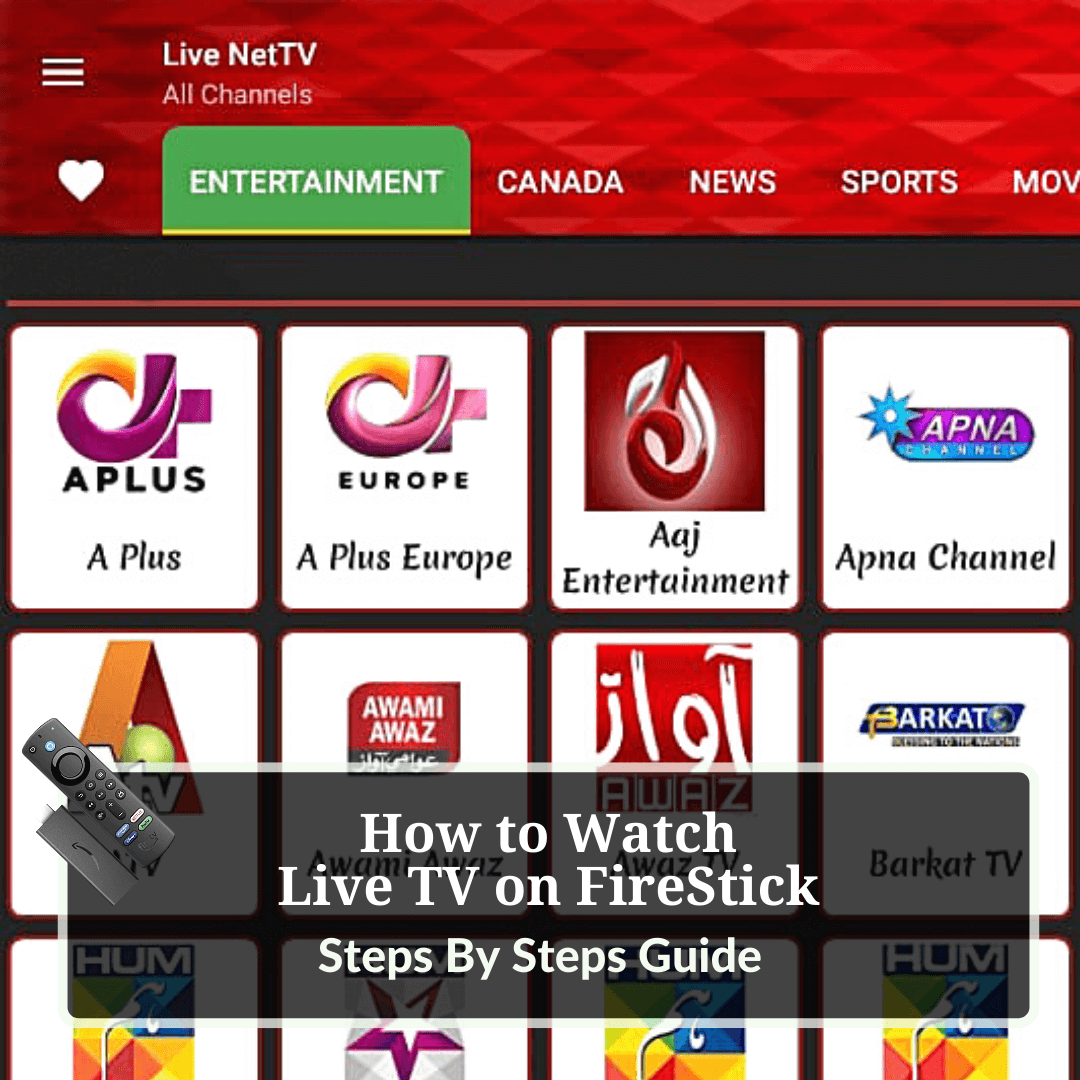

If you have the appropriate streaming app, you may use your FireStick as a prime hub to view your preferred Live TV channels from locations all over the world.
You will learn how to watch over 700 Live TV channels on your Firestick, including Live Sports, Live News, and Live TV Shows, by following the step by step instructions in this tutorial.
There are some fantastic free apps available if you don’t want to pay for a subscription, and we also included premium apps as well that may be downloaded on your FireStick.
Remember that because you’ll be watching Live TV for free, there’s a good chance that your IP address may be discovered by law enforcement, placing you in legal trouble. It is highly suggested that you use a VPN on your FireStick device.
We recommend ExpressVPN as your virtual private network (VPN) service.

ExpressVPN is our top pick since it completely conceals your IP address and ensures that you remain anonymous while streaming free Live TV on FireStick over the internet.
Get ExpressVPN today and receive three months of service for free. It also comes with a 30-day money-back guarantee, which allows you to test out all of its capabilities without taking any risks for the first 30 days.
Legal Copyright Disclaimer: AndroidForTV does not examine whether apps, websites, or services that broadcast media content have a valid or official license before publishing them on the site. Aside from administering and hosting these sites, apps, and services, AndroidForTV is not the owner or operator of any of these entities
Best Live TV Apps for Free and Premium Streaming
Here are some fantastic free streaming applications that you may install on your FireStick device to watch live TV:
1. Live NetTV:

For Firestick and other Android-based devices, Live NetTV is a popular streaming app. The app allows access to over 700 TV stations, which can be sorted by country and other categories. Live NetTV offers high-definition channels that are completely free. You will be able to select a video player from a wide variety of external video player choices to see all live TV stations and movies.
2. Rapid Streamz:

Rapid Streamz is a well-known and widely-used Android application that allows users to enjoy uninterrupted entertainment by allowing them to watch a large number of high-quality movies and television shows on their FireStick device. It is an entertaining application that allows you to watch live TV, sports events, and TV episodes for free. You can choose from a huge number of channels in the app from a variety of nations, including the United Kingdom, the United States of America, India, Pakistan, Middle Eastern countries, Turkey, and others.
3. Pluto TV:

Pluto is perhaps the most popular free option for watching live TV on your Firestick or any other android-powered device. It serves over 50 million monthly users worldwide and offers access to over 100 free live television channels. There are numerous high-quality news, entertainment, reality, crime, kids, and more channels to choose from. Pluto not only offers live streaming, but it also has a large library of VOD content. You can use any browser to access Pluto’s Official Website. Alternatively, you may just install the Pluto App on your Firestick or Fire TV.
4. Kodi:

Kodi is one of the greatest home media organizers and streaming hubs. The app’s superb UI and compatibility with third-party addons have made it highly popular. Many Kodi addons that allow you to watch live TV on your Firestick have been developed by developers throughout the world. Third-party Kodi addons should be avoided, though. Third-party add-ons that allow users to watch unlicensed content have been targeted, and several developers and marketers of preloaded boxes have been arrested. As a result, before using these addons, you should always switch on your ExpressVPN.
However, some best Kodi addons for live TV are listed below:
- TvTap
- Asgard
- Xumo TV
- Loonatics Unleashed
5. Tubi

Tubi is another wonderful alternative for watching Live TV on Firestick along with thousands of Movies and TV Shows as well. This application is an ad-supported service that is completely free and requires no sign-up. Users also have the option to register a free account that will assist sync content and track your watching history. Tubi features dozens of live channels such as Fox Sports, MLB, NFL, ABC News Live, and more. Along with live content, Tubi also has a huge collection of Movies and TV Shows with a Tubi Kids option as well.
6. Firestick “Live” Tab

One of the best advantages of Firestick and Fire TV devices is the ability to browse and play live TV immediately from the home screen. Users can access tons of live streaming channels simply by clicking the Live TV option on the device’s main screen. This includes channels for Local News, Sports Replays & Recaps, Business, Entertainment, and more. There are loads of free alternatives accessible on the Firestick Live page. However, customers can also incorporate an IPTV Service such as fuboTV, YouTube TV, and more. This is one of the easiest and most simple ways to watch Live TV on Firestick or Fire TV.
7. TV Catchup

The TV Catchup app is also a free platform built for UK channels. The app contains 120 UK TV stations, which are free and have no limits. You can select channels such as BBC, ITV, horror channels, Film4, and others. However, the apps enable adverts, and as you know that most of the other media service also contain ads. The TV Catchup is only accessible to UK customers. To take the full benefits from the app, you need to use a quality VPN and break the geo-restrictions.
8. Plex

Plex is an all-in-one media center app with a wide range of functions and features. The app is best known for being a media hub where users can store all of their documents, videos, and other media and entertaining data. On the other hand, Plex has a streaming facility with a variety of live channels. You can use any browser to access the Plex App, or you can download the Plex App for the best experience on your FireStick.
9. Very Local

The Very Local App, which works on any Firestick device without any issue, is a new option for watching local channels. Very Local provides local news, weather, highlights, and other information in a variety of places across the United States. It’s entirely free to download and use, and it’s a great option with a VPN.
10. Mobdro

Mobdro is a fantastic live streaming app for movies, TV shows, and other live internet content. It can be used on any android-powered device. The app was only available for Android devices previously, but it is now also available for iOS devices. News, sports, music, gaming, kids, spiritual, and more content categories are all available on Mobdro. Users can choose numerous channels from the list based on their preferences. AMC, History, WWE Network, ESPN, Sky Sports, Fox, and other channels are available. The Mobdro app can also be used to watch your favorite shows. You can refer to our step-by-step Mobdro installation guides on FireStick.
For your FireStick, here are some of the greatest premium streaming apps to check out:
1. Smart IPTV:

Smart IPTV is offered on FireStick devices that let you access your IPTV subscription from numerous IPTV providers. This service does not offer any IPTV channels, but rather it acts as an IPTV management service for the end-user. In one place, you may access numerous IPTV subscriptions in one place. It also gives a 7-day free trial so that you can discover it well before paying for the subscription. It costs roughly 6 EUR or $7.
2. Sling TV:

Sling TV was the first internet-based live TV service, and it should be one of your first choices if you love watching live TV channels. This service is only available in the United States, so you’ll need to use a VPN to access it from anywhere else. Most live video streaming services charge more than $40 per month for the same features while Sling TV offers just $20 each month. The only issue is that in order to enjoy uninterrupted live streaming services, you’ll need a good internet connection. The only restriction is that you won’t be able to stream on more than one screen at once if you choose the cheapest package. If you’re logged in with more than one device, it’ll ask you which one you want to continue to watch the channels when you first start watching.
3. fuboTV:

Fubo is one of the most well-known and popular Legal IPTV providers available today. This is a long-running live television service with roughly a million customers and a variety of packages. Most of all, Fubo offers a free 7-day trial so you can try out their service before you pay. For all your streaming needs, Fubo has DVR storage and a ton of channel options.
4. Hulu Live TV:

Hulu is an American streaming service with a large content library. You’ll find plenty of exciting options whether you’re looking for Hulu originals or copyrighted content from other services. Hulu also offers a Live TV package that gives you access to over 65 cable TV channels in addition to on-demand services. You can also choose a package that includes Hulu, Disney+, and ESPN+. In recent years, Hulu has exploded in popularity. It’s also one of the most popular FireStick apps.
5. Youtube TV:

YouTube TV was withdrawn from the Amazon App Store after things started falling out between Google and Amazon in 2018. Since they eventually came to an agreement, YouTube TV is now officially available on Amazon Store and that makes all of us excited. YouTube TV provides 85+ Live TV channels including NFL, NBA, MLB, etc. YouTube TV is available for $64.99 a month with a 14-day free trial. The cost of a YouTube TV subscription has risen dramatically over the years though. But if you compare it to other TV streaming services, the pricing is very similar.
6. Philo TV:

Philo is an app that lets you watch live cable TV for a fraction of the price of regular cable TV. For a fee that is easy on the wallet, the app gives you full access to a large number of high-quality channels. There are more than 60 channels, and the DVR can store an unlimited amount of shows. AMC, Discovery, Nickelodeon, Food Network, Comedy Central, Animal Planet, BBC America, Crackle, and BET are some of the channels that you can stream on Philo. There are add-ons for Starz and Epix channel packages that cost extra money. There is, however, a catch. There are no sports channels or local channels that cover sports. However still, if you like news, Philo is not the best choice. Nevertheless, the app covers a good number of channels and categories. Philo is a good choice for people who like to record movies, TV shows, and other content to watch later. As I already said. It has a DVR feature that lets you record as many movies and shows as much as you want to the cloud storage. This means you don’t have to worry about running out of storage space. Free cloud storage is available for up to a year.
7. Vidgo TV:

Vidgo is one of the top options for streaming live television on a Firestick. Users enjoy a buffer-free experience with an extensive channel selection. This includes ESPN, NFL Redzone, ABC, and additional channels. Vidgo’s ability to integrate user’s accounts with multiple Streaming Apps for additional content is one of its best features.
8. Peacock TV:

Peacock from NBC is a very well-known source for live TV on Firestick. A subscription is required to use Peacock. However, there are three membership plans to select from. With ads, Peacock Free will have limited content. For $4.99/month, you may upgrade to the Premium Version, which includes hundreds of live channels as well as movies and TV shows. If you prefer, you can pay $9.99 per month for the Ad-Free Premium Version of Peacock. This is a fantastic method to watch live sports, news, and channels 24 hours a day, seven days a week on your Firestick or Fire TV device.
How to Install Live TV App on FireStick for Free
Please make sure that ExpressVPN is installed and operational on your FireStick before proceeding with the rest of the instructions. As we previously stated, it protects your original IP address while still allowing you to watch Live TV in your country of residence.
Now take the following steps:
Step 1: Navigate to the Firestick Home screen by pressing the remote button.

Step 2: To adjust the settings, click the gear icon.

Step 3: Navigate to My Fire TV and click the option.

Step 4: Select Developer Options from the menu.

Step 5: Choose Apps from Unknown Sources from the menu that appears.

Step 6: Select the option Turn On.

Step 7: Go back to the Home screen and select the Find tab from the menu that appears.

Step 8: Choose the Search option from the menu.

Step 9: In the search box, type “Downloader”, and then select it from the list of options that appears.

Step 10: Navigate to the Downloader icon and press the button.

Step 11: Click on Download and wait for the app to be installed on your device.

Step 12: Wait till the download is complete.

Step 13: To launch the Downloader application, select Open.

Step 14: Click Allow after the downloader has opened.

Step 15: A prompt will display; click on the OK button.

Step 16: By default, the Home tab will be displayed, with a URL/Search box on the right side of the screen.

Step 17: Enter the URL livenettv.bz and press the GO button.

Note: Please keep in mind that the URL for the official app or website is being mentioned above. AndroidForTV does not own, operate, or retail any app, streaming website, or service, and has no affiliation with any of the creators of such applications.
Step 18: Click on Download for Android, and the app will begin to download automatically.

Step 19: When the download is complete, click on the Install button.

Step 20: From the appeared screen, select Done.

Step 21: When this prompt opens, select Delete.

Step 22: Click Delete once more for confirmation.

Congratulations! You’ve successfully completed the installation of the Live TV application on your Fire TV stick.
How to Watch Live TV on Fire TV Stick
Now that you’ve done the preceding steps, it’s time to enjoy everything that Live TV has to offer you!
Follow these simple steps to set it up and running so you can start enjoying it right away:
Step 1: Press and hold the Home button on your Fire TV remote for a few seconds and click on Apps.

Step 2: Using your remote, locate the Live TV Net app, and click the options button on the remote to Move.

Step 3: The Live TV app can be dragged to any location you want. By pressing the OK button, you can place it wherever in the top row.

Step 4: Select and launch Live TV on your device.

Step 5: Go on by clicking on the Continue button.

Step 6: Press the Allow button.

Step 7: Select a Category and scroll around to locate the channel you want to watch, or just use the Search (Lens icon) to discover your favorite one.

If you have a VPN installed on your FireStick, you can now use the app to view hundreds of live television stations around the world.
Live NetTV Features
Live NetTV is a streaming application that allows you to watch your favorite tv channels on your FireStick device. It’s a free application that provides a user-friendly interface for FireStick and other Android devices.
Over 700 live TV channels in a variety of genres are available through this app. Sports, movies, television shows, lifestyle, children’s programming, news, and more are all available, as it provides a limited on-demand selection with the potential to grow in the future.
When it comes to watching your favorite entertainment shows, it offers high-quality content as well as a number of external video player options from which to choose.
You can quickly locate what you’re looking for using the search feature included in the app’s user interface. To make it easier to find your most-watched or favorite channels later, you can save them in the favorites section.
Frequently Asked Questions
Can I watch live local TV on Firestick?
Yes, it is possible to watch live local TV on the Amazon Fire TV stick by downloading and installing one of the many third-party applications that are described above.
What are the best Live TV apps to watch on Fire Stick?
Many free and paid applications, such as Live NetTV, Sling TV, Hulu TV, Pluto TV, and others we just mentioned above are the best apps for Firestick to watch live TV.
How can I set up Live TV on Firestick?
IPTV, streaming services, and many other options are available for setting up Live TV on Firestick.
Is it possible to watch live TV for free on FireStick?
Yes. The above list includes some of the coolest free Firestick apps for watching live TV without a subscription.
Is it possible to watch local channels on a Firestick?
Yes. Firestick users can find a variety of apps that provide tons of local channel selections from various news outlets across the United States.
Final Thoughts
Live NetTV is one of the best apps for watching live television on the Firestick without needing to use a cable box or even pay for a subscription to a television service.
By this point, you should have a solid step by step guide on how to watch live television channels on your FireStick device. In the meantime, if you have any additional queries, please do not hesitate to contact us!
One issue that cannot be overstated is that, while Firestick is available in other countries, Live Net TV maybe not, so be sure to use a VPN such as ExpressVPN to protect yourself from unwanted legal hassles or to prevent the disclosure of your personal information while watching Live Net TV.